
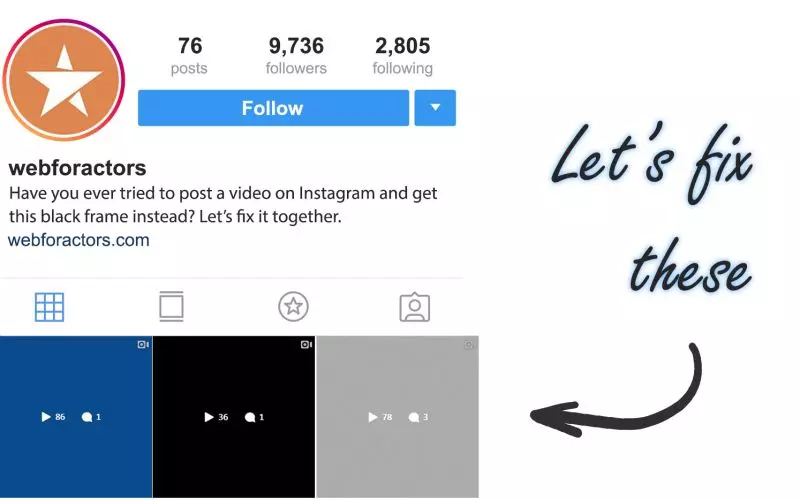
Tip Thursday - Fixing the Blank Video Frames on Instagram
Have you ever encountered a blank preview image on Instagram video? It could be black or gray, maybe completely whited out and it just looks broken? Well, there's an easy fix, but you gotta make a habit out of it because... you can't edit the video once you post it.
So before you post your video, make sure it looks good:
- Select your video
- Click "TRIM"
- Play the video to see if there are any blank video frames when video loops
- If you see blank frames, drag the little white dots on the side of the screen to eliminate them.
- Play the video one more time to be safe, if you're happy with it, click save
Make Instagram videos pop, I've made those mistakes before too, you just gotta make it a habit going forward.
Finished reading? Build yours next.
It takes about 76 seconds and it starts free, with your credits, headshots and reels already in it.
Build mine free→